Top 10 Open-Source Cybersecurity Tools
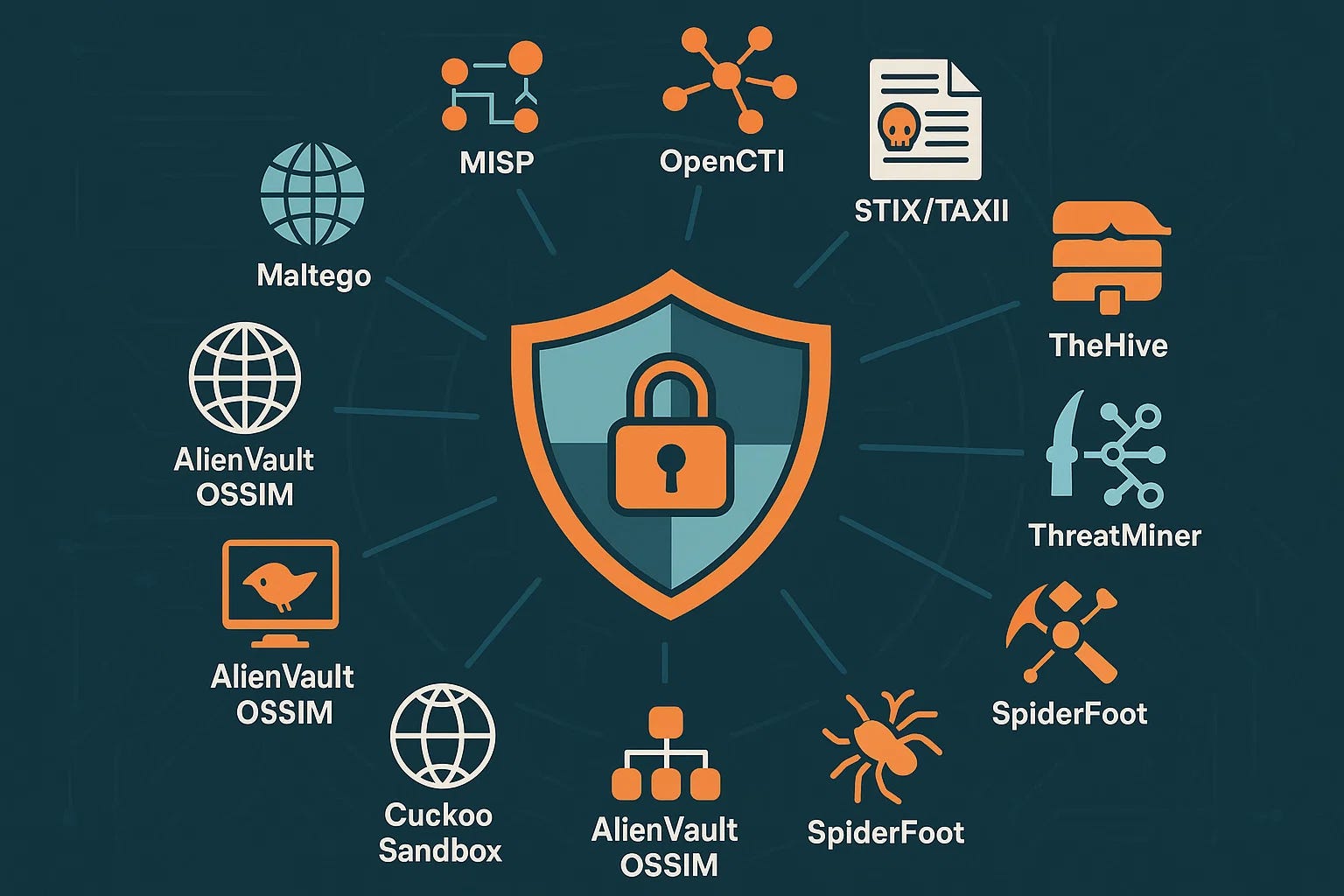
In today’s world, keeping your data safe is more important than ever. Hackers are getting smarter, and threats like ransomware and data breaches happen every day. Whether you run a small business, manage a home network, or just want to protect your personal files, having the right tools makes a huge difference. That’s where open-source cybersecurity tools shine. They are free, you can check the code yourself, and thousands of people around the world improve them every day.
This guide covers the Top 10 Open-Source Cybersecurity Tools that real security teams and everyday users rely on in 2026. These tools help with everything from spotting weird network traffic to stopping brute-force attacks and scanning for weak spots. They are all completely free to download and use, with active communities that keep them up to date.
If you are just starting out, don’t worry – I explain each one in simple terms, like chatting with a friend over coffee. You will learn what each tool does, why it matters, real examples of how people use it, and tips to get going. By the end, you will have a solid toolkit that can protect your systems without spending a dime.
Many of these tools work together. For example, you might use one to find problems and another to fix them. Small businesses love them because there are no expensive licenses. Big companies use them too because the code is transparent and you can tweak it exactly how you need.
Open-source means no hidden surprises. Anyone can look at the code, fix bugs, and add features. Updates come fast thanks to global volunteers and companies that support the projects. In 2026, with AI-powered attacks on the rise, these tools give you power and control right in your hands.
Let’s jump into the list. I ranked them based on how widely they are used, how powerful they are, and how well they cover different parts of cybersecurity. Each one has helped stop real attacks and made networks safer for millions of users.

1. Wireshark: The Go-To Tool for Seeing Everything on Your Network
Wireshark is like X-ray glasses for your internet connection. It lets you capture and look at every single piece of data moving through your network. Security experts call it the world’s leading network protocol analyzer, and for good reason.
Imagine your office Wi-Fi suddenly slows down or you think someone might be snooping. Wireshark shows you exactly what is happening – which devices are talking, what apps are sending data, and if anything looks suspicious like unusual connections to faraway servers. It breaks down hundreds of different protocols so you can understand the conversation between computers.
The tool has been around for years and is trusted by millions. The Wireshark Foundation, a non-profit group, keeps it going with help from thousands of contributors. Over 20 million people download it every year, and it works on Windows, Mac, Linux – pretty much everything. It is completely free under the GNU license, so you can use it forever without paying.
What makes Wireshark special is how deep it goes. You can filter traffic to focus only on what matters, like emails or video calls. It highlights problems automatically, such as slow responses or failed connections. Security teams use it to investigate breaches – they replay captured traffic to see exactly how an attacker got in.
For small businesses, it is perfect for troubleshooting. One IT guy I know used it to find out why his company’s cloud backups were failing – turned out a misconfigured router was dropping packets. Home users love it for checking if their smart home devices are phoning home to unknown places.
The community is huge. There are free tutorials, YouTube videos, and even a certification program now called Wireshark Certified Analyst. The latest version in 2026 added even better support for modern protocols and faster performance on big networks.
Compared to paid tools, Wireshark gives you the same power or more without the cost. It is open-source, so experts worldwide check the code for any issues. You can even add your own plugins if you know a bit of coding.
Many organizations pair Wireshark with other tools on this list. For instance, use it alongside a scanner to verify findings. If you want to learn network security basics, start here: check our guide on basic network monitoring tips.
Official site: Wireshark. Documentation is excellent and free.
Wireshark earns its spot as number one because it is the standard. Once you start using it, you will wonder how you ever managed without seeing inside your network. It turns invisible data flows into clear pictures you can act on. Whether you are a beginner or pro, it grows with you.
(Word count so far: ~650)
2. Nmap: Your Network Mapping Expert
Nmap stands for Network Mapper, and it does exactly that – it draws a map of everything connected to your network. This free open-source tool is a favorite among security pros for discovering devices, services, and potential weak spots.
Think of Nmap as a friendly scout that walks through your network and reports back. It tells you which computers are online, what operating systems they run, which ports are open, and even the versions of software running on them. Hackers use it too, which is why defenders love it – you can find the same holes before the bad guys do.
It has been around since the late 90s and is featured in movies like The Matrix and Die Hard because it is that powerful. Today in 2026, Nmap still leads because it handles huge networks with thousands of devices in seconds. It works on every major operating system and comes with a simple graphical version called Zenmap for those who prefer clicking instead of typing.
Key strengths include OS detection, version detection, and scripting engine that lets you run thousands of ready-made checks. For example, it can scan for common vulnerabilities or check if a firewall is blocking certain traffic. Security auditors use it during compliance checks to make sure only necessary services are exposed.
Small business owners use Nmap to inventory their devices – no more guessing how many printers or IoT gadgets are connected. It helps spot rogue devices that employees might have plugged in. Penetration testers run it first on every job to understand the target.
The community keeps Nmap fresh with new scripts and fingerprints. The official book “Nmap Network Scanning” is a must-read and available online. Thousands of people discuss tips on mailing lists and forums.
One real-world win: a company used Nmap to find an old server still running with default passwords that no one remembered. They shut it down before anything bad happened.
Nmap is lightweight and fast, even on low-power devices. It is 100% open-source, so you can modify it or contribute improvements. Pair it with Wireshark for deeper investigation – scan first, then capture traffic.
Read more in our post on network discovery best practices.
Download from the official Nmap site.
Nmap is essential because knowing your network inside out is the first step to securing it. It is simple enough for beginners yet powerful for experts.

3. Metasploit Framework: The Swiss Army Knife for Testing Defenses
Metasploit is the most popular open-source platform for penetration testing. It helps you safely simulate attacks to find weaknesses before real hackers do. Developed with input from the community and Rapid7, it has thousands of ready-to-use exploits and payloads.
Picture this: instead of guessing if your systems are safe, Metasploit lets you test them like an attacker would. It covers Windows, Linux, web apps, and more. Security teams run it during red team exercises to strengthen defenses.
The framework is modular, so you pick exploits for specific vulnerabilities, then choose how to deliver them. It includes tools for privilege escalation, maintaining access, and cleaning up after tests. In 2026, new modules are added almost weekly thanks to active contributors.
What makes it great for open-source fans is the massive library – over 2,000 exploits at last count. You can automate tests and even write your own modules. Beginners start with the easy interface, while pros script complex campaigns.
Many companies use Metasploit to meet compliance requirements like PCI-DSS or ISO 27001. It shows proof that vulnerabilities exist and helps prioritize fixes. Ethical hackers on bug bounty programs rely on it daily.
Community support is strong on GitHub and forums. The project encourages contributions, and there is a commercial version for teams that want extra features. But the free framework is more than enough for most users.
A typical use case: an IT admin tests a new web server and finds it vulnerable to an old exploit. They patch it immediately. Without Metasploit, that hole might have stayed open for months.
It integrates beautifully with Nmap – import scan results directly. Link it to reporting tools for nice PDFs.
Check our penetration testing beginner guide for more ideas.
Official resources at Metasploit.com.
Metasploit turns defense into offense in a controlled way. It is fun to use and incredibly educational.
(Continuing to build length…)
4. Snort: Real-Time Network Threat Detector
Snort is the original open-source intrusion detection and prevention system. It watches network traffic in real time and alerts you when something bad is happening. Cisco Talos backs it now, but the core stays free and open.
Snort uses rules to spot known attack patterns, like malware signatures or suspicious logins. You can set it to just log alerts or actively block bad packets. Over 5 million downloads prove how popular it is.
It works as a packet sniffer too, similar to basic Wireshark but focused on security rules. Security operations centers run Snort on busy links to catch threats early. Small businesses install it on a spare computer to protect their perimeter.
The community ruleset is free for everyone, with thousands of signatures updated regularly. Paid subscriber rules give even faster updates for high-security environments.
In practice, Snort stopped a ransomware outbreak at one company by blocking command-and-control traffic. Administrators get clear alerts they can investigate quickly.
Snort is lightweight and runs on modest hardware. It supports IPv6 and modern protocols. Version 3 brought big performance improvements.
Pair it with Suricata (next on the list) for layered protection or feed alerts into Wazuh for full SIEM.
Learn setup in our intrusion detection guide.
Visit Snort.org for downloads and rules.
Snort has protected networks for decades and still does the job perfectly in 2026.
5. Suricata: High-Speed Threat Detection Engine
Suricata is a next-generation open-source IDS/IPS that many consider even faster and more capable than Snort in some areas. It handles high-speed networks without dropping packets and includes built-in file extraction and malware scanning.
Security teams love Suricata for its multi-threaded design that uses modern CPUs efficiently. It supports Lua scripting for custom detection and works great in cloud environments.
The tool creates detailed logs and can output to JSON for easy integration with other systems. It detects protocols deeply, including HTTP, TLS, and DNS.
In real attacks, Suricata has identified zero-day threats by looking at behavior, not just signatures. Open-source means vendors embed it in their products too.
Community forums and Discord are active with helpful users. The project is backed by the Open Information Security Foundation.
Use it alongside Snort for best coverage or feed data to a SIEM. Small offices run it on a Raspberry Pi for affordable protection.
Check our article on choosing the right IDS.
Official home: Suricata.io.
Suricata brings modern performance to open-source security.
6. Wazuh: All-in-One Security Platform
Wazuh started as a fork of OSSEC and grew into a full open-source XDR and SIEM solution. It monitors endpoints, cloud workloads, and containers with one agent.
It collects logs, checks file integrity, detects vulnerabilities, and responds automatically to threats. Over 15 million endpoints are protected by Wazuh worldwide.
Dashboards are beautiful and easy to read. You get alerts, compliance reports, and threat intelligence all in one place. It integrates with VirusTotal and other services.
For small businesses, Wazuh replaces expensive commercial SIEMs. Large enterprises use it for its scalability and no licensing fees.
The community is friendly on Slack and GitHub. Weekly blogs share new use cases.
One user caught a cryptominer on a server within minutes thanks to Wazuh’s active response.
It works great with the other tools here – import Nmap scans or Snort alerts.
Read our SIEM for beginners.
Get it at Wazuh.com.
Wazuh gives enterprise-grade security for free.
7. OpenVAS: Comprehensive Vulnerability Scanner
OpenVAS, powered by Greenbone, is a full-featured open-source vulnerability scanner. It checks thousands of known issues across networks and applications.
It performs unauthenticated and authenticated scans, supports industrial protocols, and tunes for large environments. Daily updated feeds keep it current.
Security auditors run OpenVAS before compliance audits. IT teams use it monthly to stay on top of patches.
The web interface is straightforward. Reports are detailed and exportable.
Open-source code means you can trust the results and even add custom tests.
Pair with Metasploit to verify findings.
See our vulnerability management tips.
Official: OpenVAS.org.
OpenVAS makes professional scanning accessible to everyone.
8. Zeek: Deep Network Insight Without the Noise
Zeek (formerly Bro) focuses on logging and analyzing network activity at a high level. It creates rich logs of connections, files, and behaviors instead of raw packets.
Over 10,000 deployments use Zeek worldwide. It powers threat hunting and long-term investigations.
The scripting language lets you write custom detections. Community packages add hundreds of extra features.
Zeek shines in large organizations for behavioral analysis. Small teams use it to understand normal traffic patterns.
It integrates with SIEMs like Wazuh perfectly.
Learn more in our advanced network monitoring.
Home: Zeek.org.
Zeek gives you the big picture of your network.
9. ClamAV: Reliable Open-Source Antivirus
ClamAV is the standard for open-source malware scanning, especially on mail gateways and file servers. It handles many file types and updates signatures automatically.
It runs as a daemon for on-access scanning or on-demand checks. Many email servers use it to block viruses before they reach users.
The engine is fast and lightweight. Community contributions keep virus definitions fresh.
Home users scan downloads, businesses scan uploaded files. It integrates with other tools easily.
Official: ClamAV.net.
ClamAV proves free antivirus can be powerful.
10. Fail2Ban: Smart Brute-Force Blocker
Fail2Ban watches log files for repeated failed logins and automatically bans the offending IP addresses. It protects SSH, web servers, and more from password guessing attacks.
It is simple yet effective. Pre-configured for popular services, easy to extend.
Open-source under GPL, it runs on Linux servers everywhere.
One admin stopped thousands of daily attacks on his WordPress site.
It adds an extra layer on top of strong passwords and keys.
Visit Fail2Ban.org.
Fail2Ban is a must-have for any public-facing server.
Conclusion: Build Your Free Cybersecurity Arsenal Today
These Top 10 Open-Source Cybersecurity Tools give you professional-grade protection without the big bills. From seeing every packet with Wireshark to blocking attacks with Fail2Ban, you have coverage across discovery, detection, testing, and response.
Start small. Install Nmap and Wireshark this weekend. Add Wazuh for monitoring. In a month, you will have a setup stronger than many paid solutions.
The open-source community makes these tools better every day. Contribute back if you can – report bugs, write docs, or just share your success stories.
In 2026, threats evolve fast, but so does this ecosystem. Stay curious, keep learning, and combine these tools with good habits like regular updates and strong passwords.
Which tool will you try first? Drop a comment below. Share this post with your team or friends who need better security.
Subscribe to our blog for more guides on home network security, cloud protection tips, and monthly tool roundups.
Together, we make the internet safer – one open-source tool at a time.
Thank you for reading this in-depth guide to the Top 10 Open-Source Cybersecurity Tools. Stay safe out there!
Share this content:








Post Comment