Passwordless Authentication Rollout
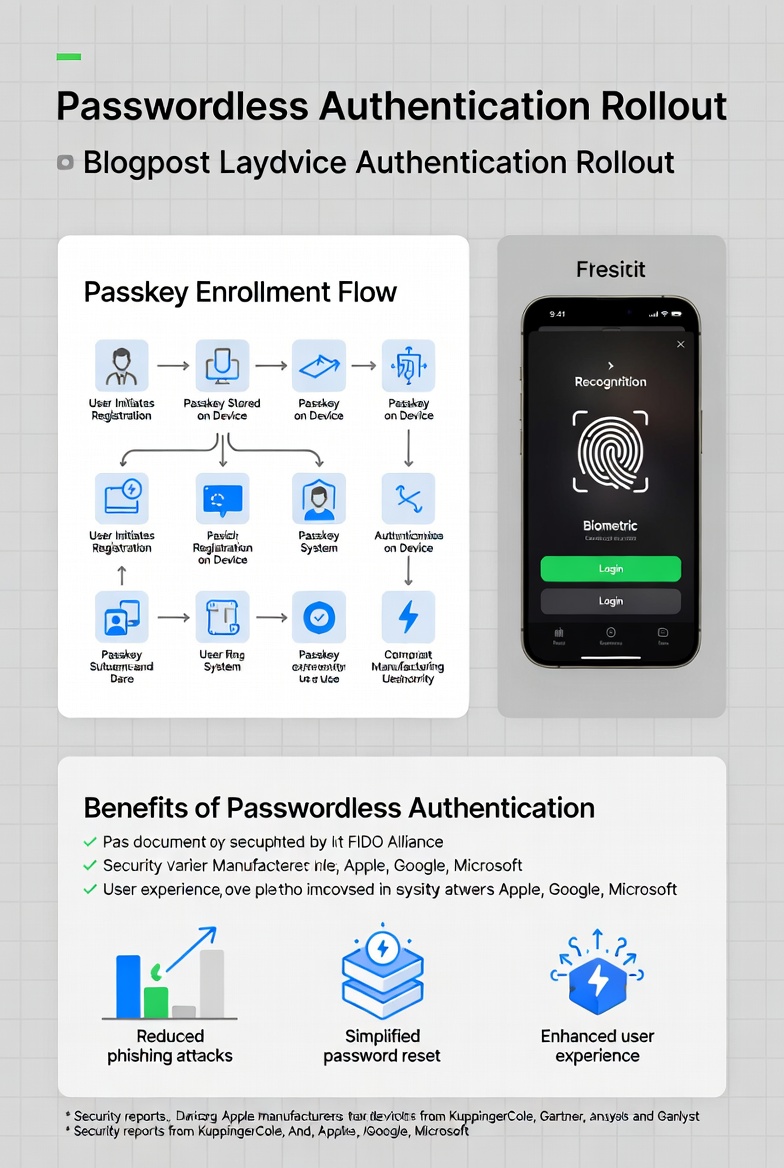
The Passwordless Authentication Rollout is one of the smartest moves any organization can make today. Passwords have been around forever, but they’re causing more problems than they’re solving. From data breaches to constant reset requests, traditional passwords are weak links in security chains. Shifting to passwordless methods—like biometrics, passkeys, or security keys—makes logins faster, safer, and way less frustrating for everyone involved.
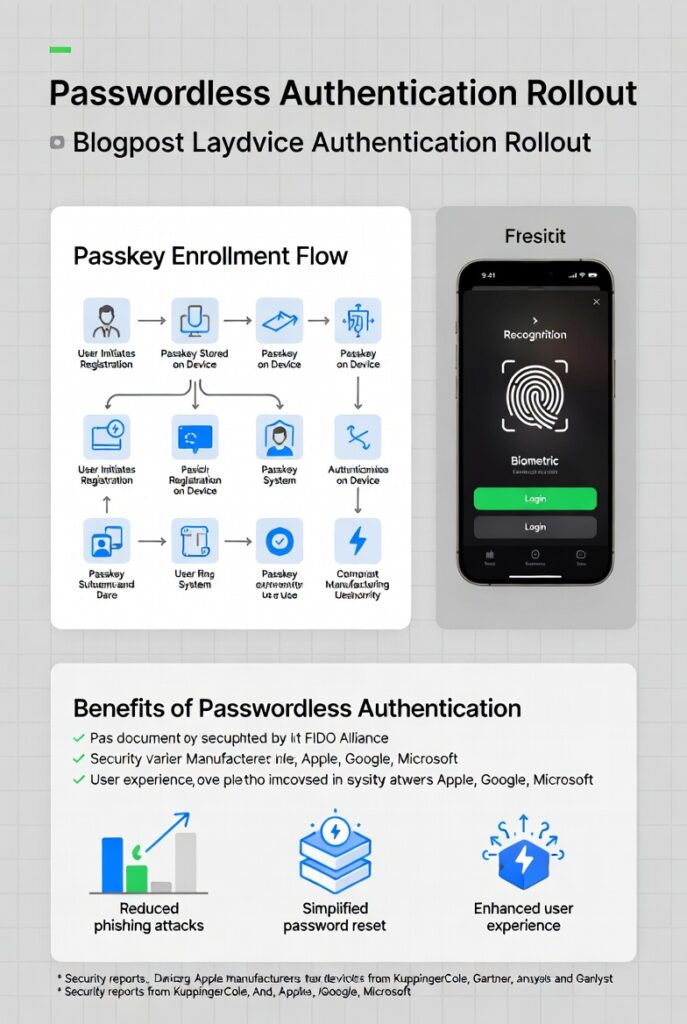
In this detailed guide, we’ll walk through everything you need to know about a successful Passwordless Authentication Rollout. We’ll cover why it’s worth it, the different ways to do it, step-by-step planning, common hurdles, real-world examples, and tips to make it work smoothly. By the end, you’ll have a clear path to get your team or customers logging in without typing a single password.
Why Move to Passwordless Authentication?
Passwords seem simple, but they’re a huge security risk. People reuse them across sites, pick weak ones like “123456” or “password,” and fall for phishing emails that trick them into giving them away. According to reports from security firms, credential-based attacks cause most breaches.
Passwordless authentication fixes this by ditching the password entirely. Instead, it uses something you have (like your phone or a hardware key), something you are (like your fingerprint or face), or a secure link sent to your email. This approach cuts down on stolen credentials because there’s nothing to steal in the traditional sense.
The benefits show up quickly:
- Stronger security — Phishing-resistant methods like passkeys make it nearly impossible for attackers to fake logins.
- Better user experience — Logins happen in seconds, not minutes spent typing and remembering.
- Lower costs — Fewer help desk tickets for resets. Some companies see massive savings here—Microsoft reportedly cut authentication costs by a huge margin after going passwordless.
- Higher productivity — Employees start their day faster without password hassles.
Recent stats back this up. In 2025, phishing-resistant passwordless adoption grew significantly in enterprises, with some reports showing 63% increases in certain methods. The global market for passwordless tech is booming too, expected to hit tens of billions soon as more businesses jump in.
If you’re dealing with frequent breaches, frustrated users, or high support costs, a Passwordless Authentication Rollout could be the fix you’ve been looking for.
Understanding the Main Passwordless Authentication Methods
Not all passwordless options are the same. Each has its strengths, depending on your needs for security, convenience, and setup effort. Here’s a breakdown of the popular ones:
- Biometrics This uses unique physical traits like fingerprints, facial recognition, or iris scans. It’s built into most smartphones and laptops today. Super convenient—no extra devices needed. But it relies on the device’s hardware quality, and some people worry about privacy with stored biometrics.
- Passkeys (FIDO2/WebAuthn) These are the rising star in passwordless. Passkeys use public-key cryptography where a private key stays on your device, and a public key goes to the service. They’re phishing-resistant because they’re tied to specific sites. You can sync them across devices via platforms like Apple, Google, or Microsoft. Logins feel like magic—just tap or scan.
- Hardware Security Keys Physical devices like YubiKeys plug in via USB or use NFC/Bluetooth. They’re extremely secure and work offline in many cases. Great for high-security needs, but users have to carry them.
- Magic Links or Email Links You click a link sent to your email to log in. Simple and no app required, but less secure against email compromise.
- One-Time Passcodes (OTP) via SMS or Apps Codes sent to your phone or generated by an app. Better than passwords alone, but SMS can be vulnerable to SIM-swapping attacks.
- Push Notifications Approve login on your phone with a tap. Quick and user-friendly, often combined with other factors.
When comparing them:
- Passkeys and hardware keys win on security.
- Biometrics and push notifications shine for ease.
- Magic links are easiest to start with but weakest against advanced threats.
Many organizations mix methods—offer passkeys as primary, with biometrics or hardware as backups—to cover different user scenarios.
For more on standards behind the best ones, check out the FIDO Alliance—they set the open standards that make these methods work across platforms.
Benefits in Detail: Security, UX, and Business Impact
Let’s dig deeper into why a Passwordless Authentication Rollout pays off.
Security jumps way up. Traditional passwords + MFA still get phished, but phishing-resistant passwordless (like FIDO2) blocks most attacks. Reports show success rates near 99% against phishing for these methods.
User experience improves dramatically. Logins drop from 6-12 seconds (with passwords and MFA) to 2-3 seconds. One study noted 25% better login success and 4x faster times. Fewer abandoned carts in e-commerce too—people don’t bounce when they forget passwords.
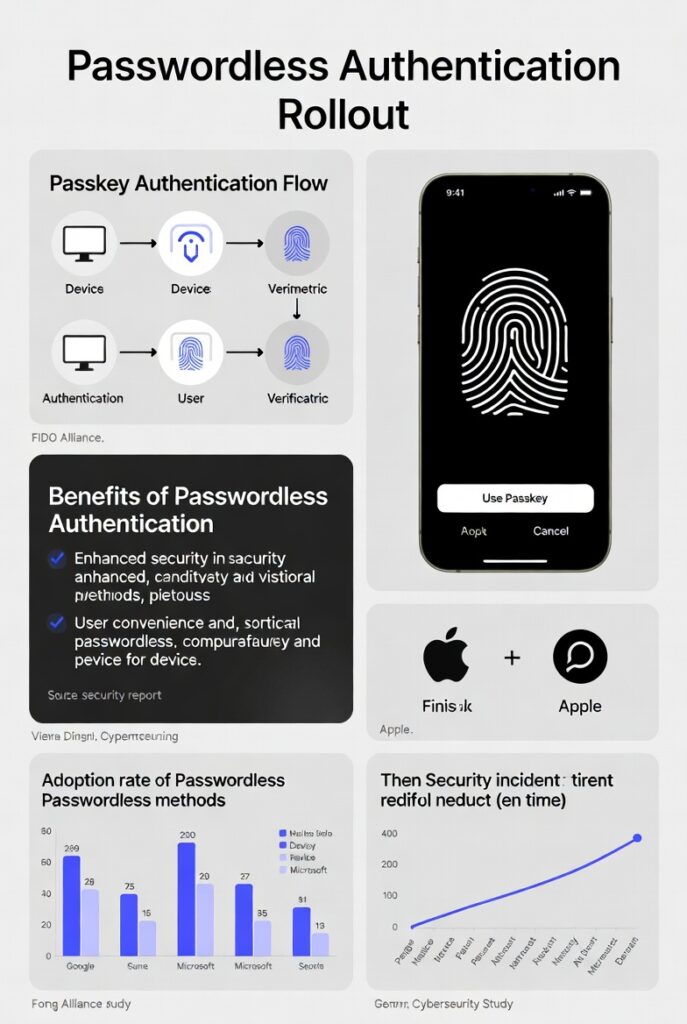
Business-wise, costs drop. Password resets can cost $70 each, adding up fast in big teams. Help desk tickets fall sharply. Productivity rises because people spend less time locked out.
Compliance gets easier with stronger controls. Standards like PCI 4.0 push for better re-authentication, and passwordless makes it seamless.
In short, it’s not just trendy—it’s practical and proven.
Step-by-Step Guide to Your Passwordless Authentication Rollout
A successful rollout takes planning. Rushing it leads to frustration. Here’s a practical, phased approach based on what works for many organizations.
Phase 1: Assess and Plan Start by auditing your current setup. Map where passwords are used—apps, internal tools, customer portals. Identify high-risk areas like admin accounts or sensitive data access.
Evaluate readiness: Do you have modern identity providers (like Microsoft Entra ID, Okta, or similar)? Check device compatibility—most new laptops and phones support passkeys.
Set goals: Aim for reduced resets by X%, or phishing-resistant logins for Y% of users.
Form a team: Include IT, security, HR, and user reps.
Phase 2: Choose Your Methods and Tools Pick based on your audience. For internal workforce, passkeys via Windows Hello or platform authenticators work great. For customers, biometrics on mobile.
Select providers that support standards. Look for scalability and integration with your SSO.
Phase 3: Pilot Program Don’t go big yet. Pick a small group—maybe IT team or a department. Roll out one method first, like passkeys for privileged accounts.
Test everything: Logins, recovery flows, fallback options.
Gather feedback: Surveys on ease, speed, issues.
Measure: Track login success rates, support tickets, user satisfaction.
Phase 4: Phased Rollout Expand gradually. Start with low-risk apps, then move to critical ones.
Communicate clearly: Explain benefits, how it works, what changes.
Provide training: Short videos or guides showing the new flow.
Offer choices: Let users pick their preferred method where possible.
Phase 5: Full Deployment and Monitoring Aim for high adoption—track progress.
Set up monitoring: Watch for failed logins, unusual patterns.
Plan recovery: What if a user loses their phone? Have backup methods.
Phase 6: Optimize and Maintain Review metrics regularly. Adjust based on data.
Keep educating users on security.
Stay updated with new standards.
This phased way minimizes disruption. Many experts recommend starting with privileged users to show quick wins.
For Microsoft’s take on strategy, see their passwordless overview.
Common Challenges and How to Overcome Them
No rollout is perfect. Here are real hurdles and fixes:
- Legacy Systems — Old apps don’t support modern methods. Solution: Use bridges or wrappers, or keep passwords for those while pushing new ones elsewhere.
- User Resistance — People fear change. Counter with clear communication: “This makes login easier and safer—no more remembering passwords.”
- Device Dependency — Not everyone has the latest phone. Provide alternatives like hardware keys or magic links.
- Cost Upfront — Hardware or software upgrades add up. Start small and show ROI from reduced support costs.
- Accessibility — Biometrics don’t work for all. Always include non-biometric options.
- Recovery Issues — Lost devices mean lockouts. Build strong backup and account recovery processes.
Planning ahead and piloting helps spot these early.
Real-World Examples of Successful Rollouts
Companies are already seeing results.
Microsoft has pushed passwordless hard, reducing costs massively and improving employee experience.
Universal Technical Institute switched to Microsoft’s platform and saw fewer resets and tickets right away.
Accenture rolled it out enterprise-wide for better access management.
In banking and finance, passkeys are transforming digital logins—faster, safer customer access.
One retailer using passwordless login saw logins jump over 380% by removing friction.
These cases show it’s doable and delivers.
For more inspiration, browse FIDO Alliance case studies.
Best Practices to Make Your Rollout Shine
First, always prioritize phishing-resistant methods right from the start. Go for options built on FIDO standards, especially passkeys, because they offer the strongest protection against common attacks like credential stuffing or real-time phishing. Avoid relying too heavily on SMS-based one-time codes or basic magic links as your main approach—they still carry risks that can undermine the whole effort. When you lead with truly secure methods, you set a high bar for protection while showing users that the change improves safety without sacrificing convenience.
Next, offer flexibility by supporting multiple authentication methods instead of forcing everyone into one single option. Some users love the speed of facial recognition or fingerprint scans on their phones, while others prefer hardware security keys for extra assurance. Allow passkeys as the default where possible, but include fallbacks like biometrics, push approvals, or even temporary hardware keys for those without compatible devices. This inclusive approach boosts adoption rates because people can choose what feels most natural to them.
Communication plays a huge role in success. Start educating users well before any changes go live. Share simple explanations of why passwordless is better—no more weak passwords to remember, no endless reset loops, and logins that happen almost instantly. Use short videos, quick guides, or infographics in emails and internal portals to walk people through the new process. Address common worries upfront, like what happens if they lose their phone or key, so they feel prepared rather than surprised.
Run a solid pilot program with a small, diverse group before expanding. Pick early adopters from different departments or user types—maybe IT staff, remote workers, and customer-facing teams. Collect honest feedback on everything from login speed to any friction points. Use those insights to tweak enrollment flows, recovery options, or device compatibility before rolling out wider. Pilots help catch issues early and build internal champions who can help spread positive experiences.
Plan strong account recovery from day one. Passwordless is great until someone loses access to their primary authenticator. Build multiple backup methods, such as secondary emails, trusted recovery contacts, or admin-assisted resets with strict verification steps. Test these recovery paths thoroughly during the pilot so they’re smooth in real life. Clear recovery policies reduce support tickets and keep frustration low.
Integrate passwordless seamlessly with your existing identity systems. Whether you’re using Okta, Microsoft Entra ID, Auth0, or another provider, make sure the rollout works hand-in-hand with single sign-on (SSO) and conditional access rules. This avoids creating silos where some apps stay password-based while others go passwordless. A unified experience feels more professional and reduces user confusion.
Measure progress with meaningful metrics instead of just counting how many people enrolled. Track login success rates, average login time, number of password reset requests, help desk tickets related to authentication, and user satisfaction scores from quick surveys. Watch for spikes in failed attempts or unusual patterns that might signal issues. Regular reviews let you spot trends and make data-driven adjustments to keep momentum going.
Keep accessibility and inclusivity in mind throughout. Not every user can reliably use biometrics—think about people with disabilities, older devices, or environmental factors that affect scanners. Always provide non-biometric alternatives and ensure the interface follows WCAG guidelines so screen readers and other tools work properly.
Finally, treat the rollout as an ongoing journey rather than a one-time project. After full deployment, continue monitoring, updating methods as new standards emerge, and refreshing user education periodically. Security threats evolve, and so do user devices and habits. Staying proactive keeps your passwordless system strong and relevant for years to come.
Follow these practices consistently, and your Passwordless Authentication Rollout won’t just work—it will become one of those rare changes that users actually thank you for because it makes their daily life easier and safer.
Follow these, and your Passwordless Authentication Rollout will go smoothly.
Wrapping It Up
Switching to passwordless isn’t just about ditching passwords—it’s about building a more secure, user-friendly future. With the right planning, tools, and approach, your organization can cut risks, save time and money, and make logins effortless.
If you’re ready to start your Passwordless Authentication Rollout, begin with an assessment today. The move pays off big in security and satisfaction.
Share this content:







Post Comment